Map (regeneration)
Map regeneration allows you to regenerate large areas of land - removing buildings, backgrounds, and decorations, and placing new ones in their place.
To start regenerating an area, press the edit settlement layout button above the settlement name:

Then, select the 'Regenerate area' option, which opens the main regeneration form:
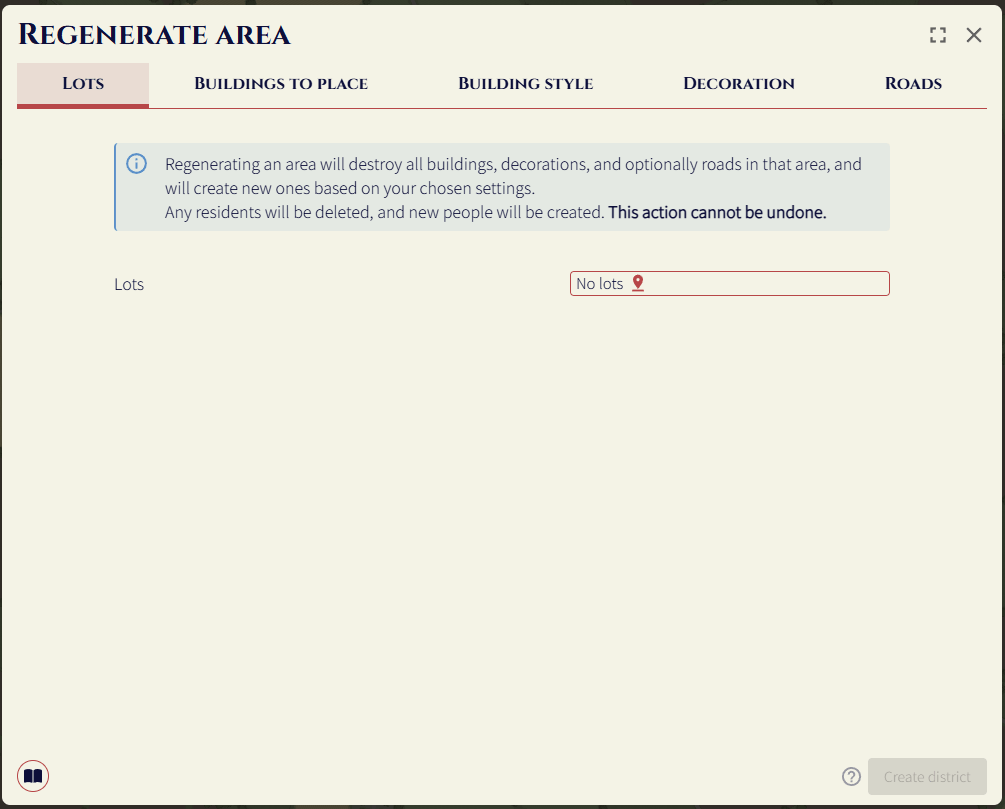
To get started, select the lots (areas surrounded by edges) you want to regenerate.
This feature requires lots to maintain the correctness of the edge network (which powers all the fill based tools).
Buildings to place
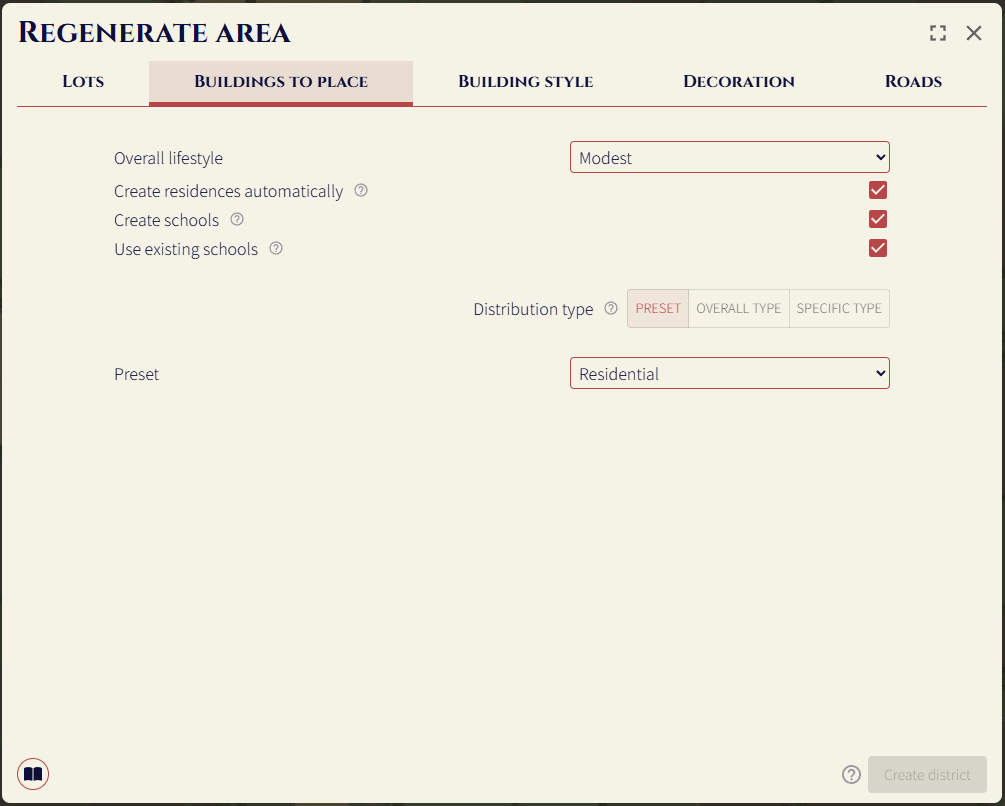
Here you can control the types of buildings that are created in the area. You can use a preset, or create your own distribution.
Overall type
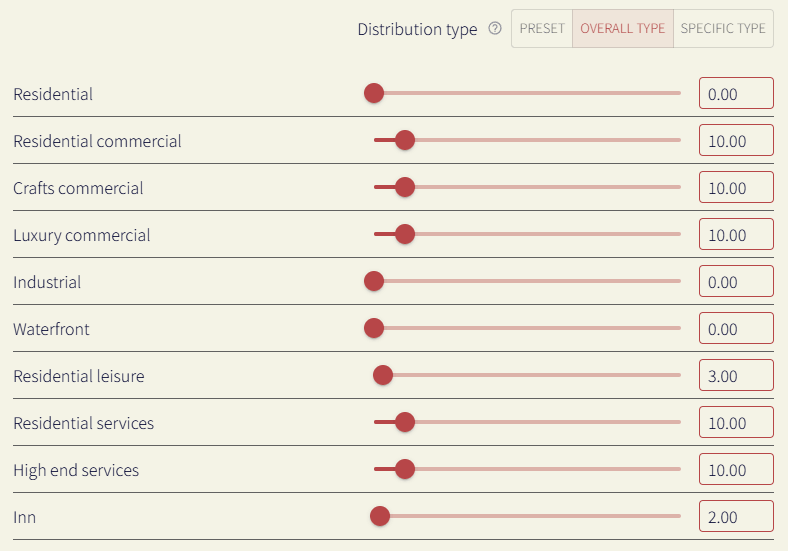
If you select 'Overall type' as the distribution type, you can control how often each overall building type will appear in the area.
The sliders here adjust how often building types will appear in the area. This forms a weighted distribution, where the higher the number, the more likely it is to appear. For example, if crafts commercial is set to 2, and residential is set to 1, on average there would be 2 crafts commercial buildings for every residential building.
Here's a breakdown on each of the options:
- Residential: homes, e.g. lower class home, middle class home, upper class home, mansion
- Residential commercial: shops you'd likely find in a residential area, e.g. greengrocers, blacksmiths
- Luxury commercial: businesses you'd find on high street / mall, e.g. tailors, armours, jewellers
- Crafts commercial: all the other artisans and shops.
- Industrial: warehouses and other industry you don't want in the settlement center, e.g. tanners
- Waterfront: buildings you'd expect in a harbour, e.g. fisheries, harbourmaster, ship builders
- Residential leisure: small taverns
- Residential services: Services you'd likely find in a residential area, e.g. barbers, doctors
- High-end services: Services you'd find in a professional working district, e.g banks / lawyers
- Inn: inns
- Commercial leisure: larger taverns, bathhouses, and theatres
- Red-light district: brothels
- Guard: barracks
- Religion: smaller religious buildings, e.g. abandoned shrines, religious libraries.
Specific type

If you select 'Specific type' as the distribution type, you can control how often each building type will appear in the area, allowing for much more fine-grained control compared to the overall type option.
Use the 'Buildings' select dropdown to select the building type you want, and then use the slider to control how often that building type will appear in the area.
Jobs & unemployment
Any jobs created during the re-roll will employ any unemployed people in the settlement. Any buildings that exist before the re-roll (outside the district) do not have any job postings filled. This is because the generator doesn't know which ones you are happy to have edited, and which ones should be left alone. You can use the building re-roll to employ people in specific buildings.
So you don't have to guess the residential amount needed to have a low unemployment rate, you can create residences automatically to fill job postings. This essentially checks the available jobs before picking a new building to place. If there are any, a residence will be placed.
Building style
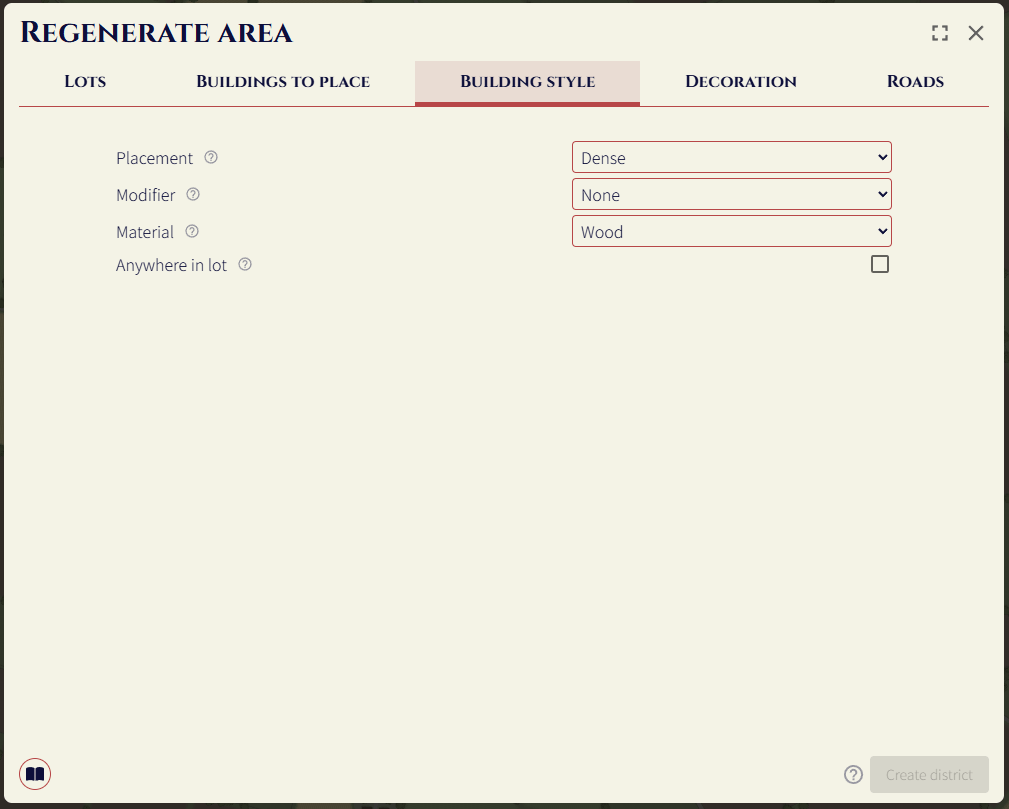
These options control how buildings are placed in the district. The material and building placement options are the same as the ones in the create settlement form.
The modifier lets you change how the default buildings will be placed. The options are:
- Small tents (this is what shanty town districts do internally)
- Smaller (halves the size of buildings)
- Bigger (double the size of buildings)
If anywhere in lot is false, buildings will only be placed next to roads. If it is true, they will be placed along all edges, including the interior of the lot.
Decoration
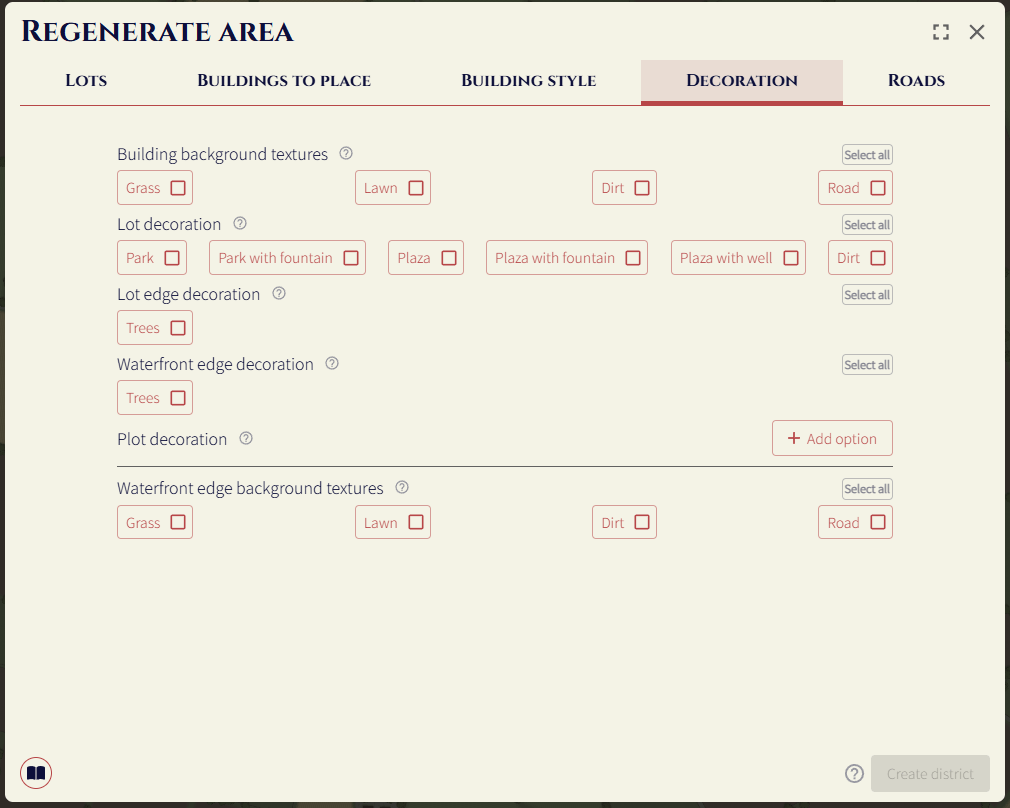
Controls decoration options for the area. See the district decoration section to learn what these do.
Road options
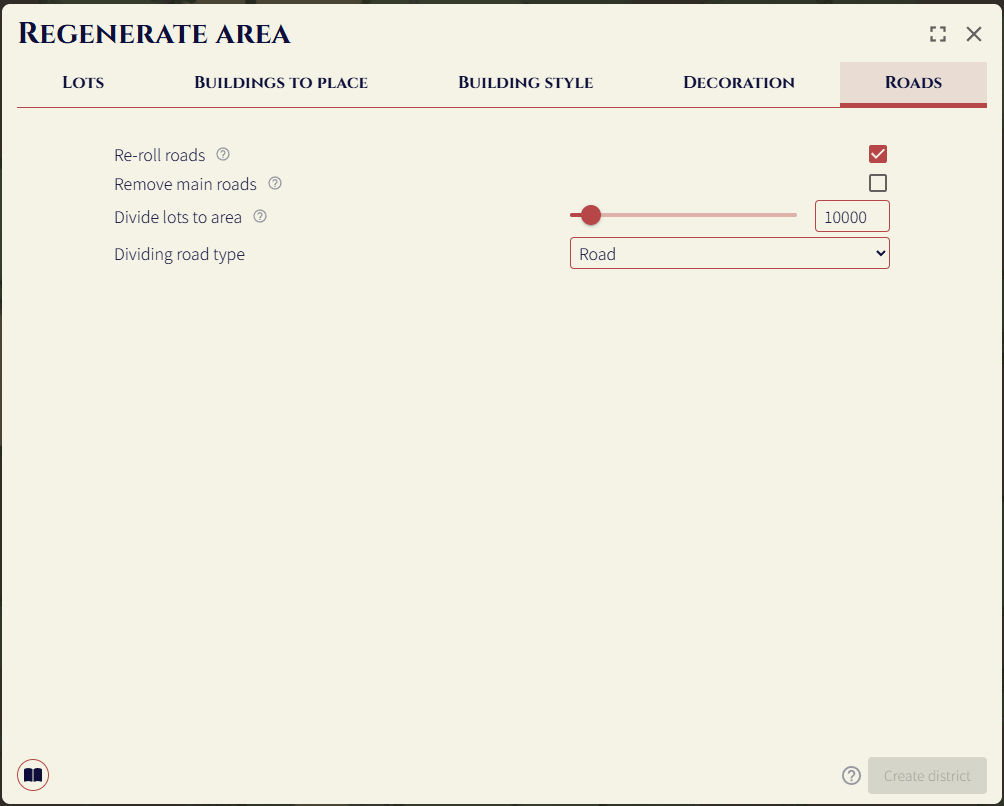
If re-roll roads is enabled, all roads in the district area will be deleted, and new ones will be created. Enabling this then enables the divide lots to area and the dividing road type controls.
The divide lots to area determines the maximum area of lots in the district. New roads will be created, splitting the current areas into two until all areas are less than this area. The dividing road type option determines what road type will be used to split the district.