Weather, seasons, day/night
When you change the time of day (see also Simulation), the map will be updated to reflect the new position of the sun (or moon). There are also options to change the current weather, and the current season.
You can change the time of day using the time controls in the bottom left of the map.
The settings to control the weather, seasons, and day/night cycle are in the settings menu:

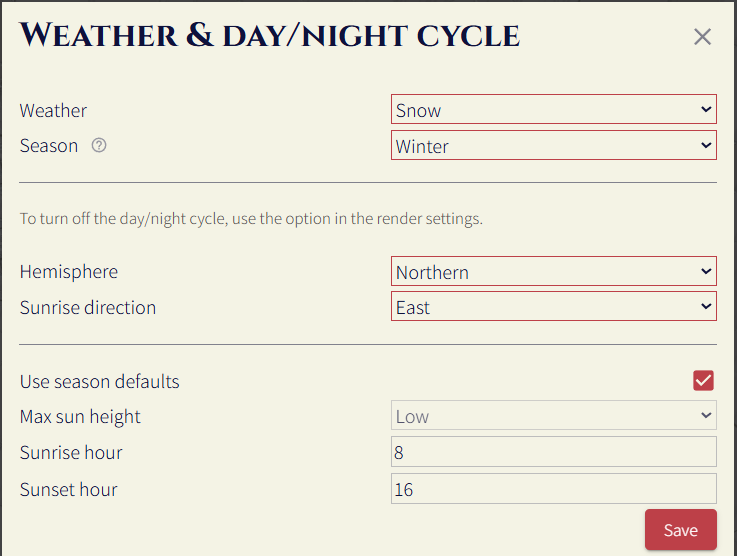
Weather
There are two options for the weather:
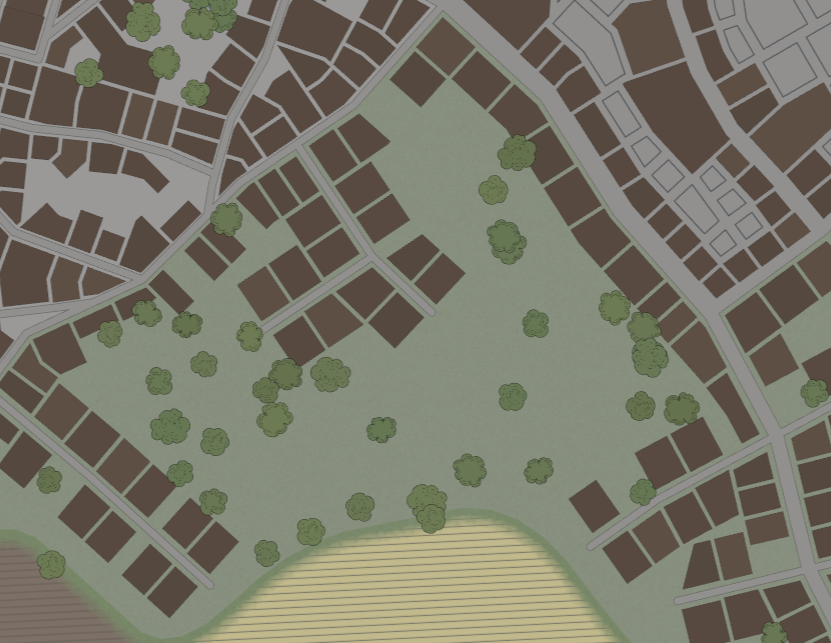
Clear
The default weather setting. The map will be rendered as if there is a clear sky, where the sun will cast a shadow, with all materials using their default colors / textures.
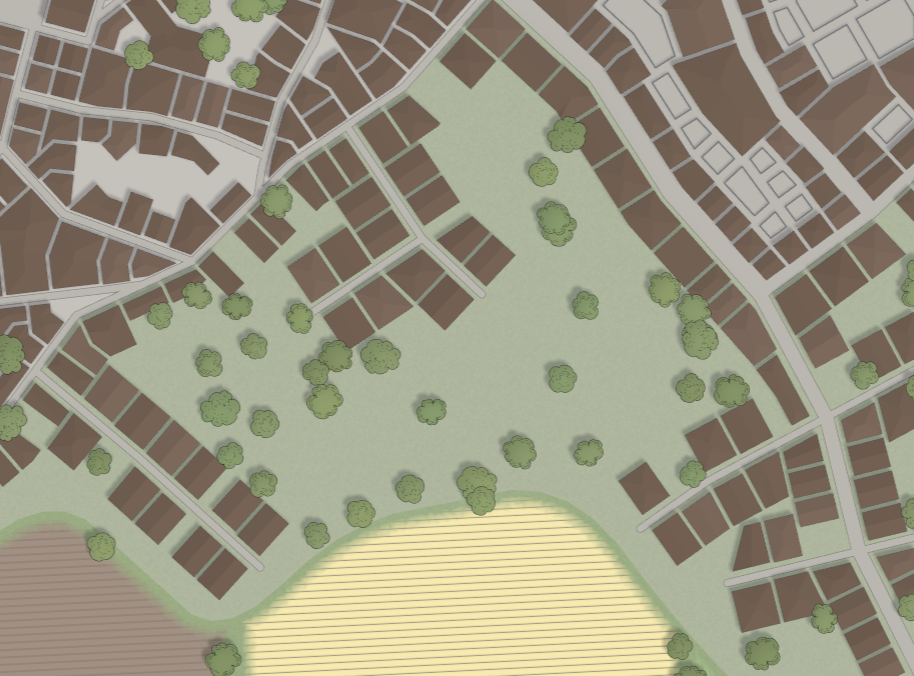
Cloudy
Like clear, however, the map will be rendered as if there is a cloudy sky, where the map will be a bit darker and the sun will not cast a shadow.
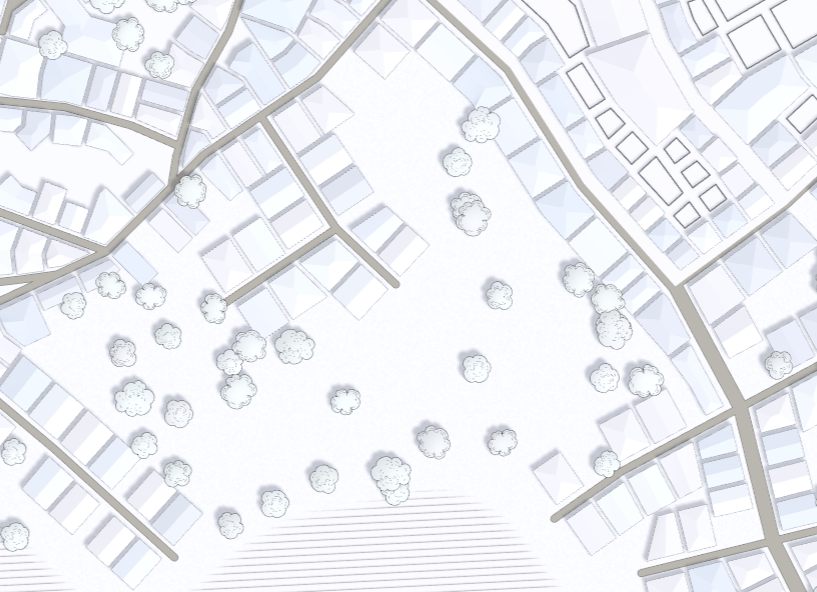
Snow (clear)
The map will be rendered as if there is snow on the ground, and the sky is clear. The sun will cast shadows, and all objects will have a snow texture applied.
Show (cloudy)
Like snow (clear), however, the map will be rendered as if there is a cloudy sky, where the map will be a bit darker and the sun will not cast a shadow.
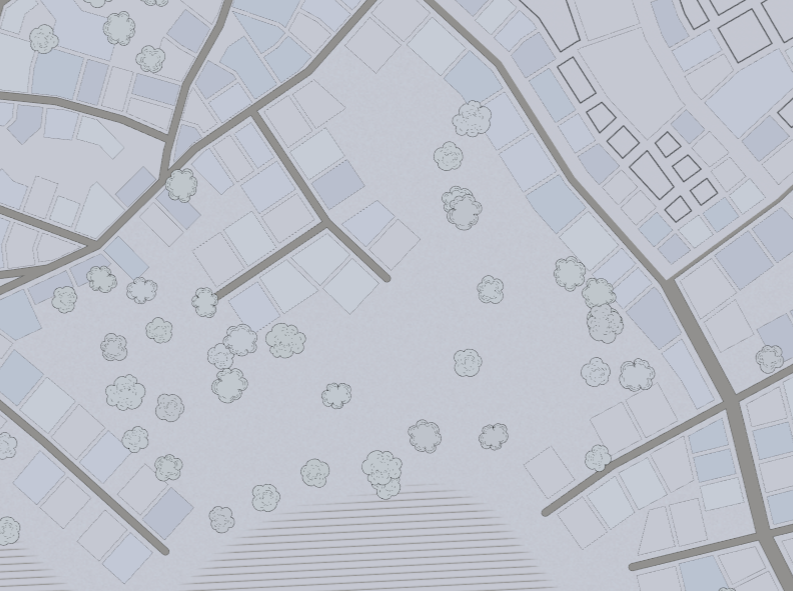
Seasons
By default, the season controls the sunrise and sunset times, how high the sun will reach, and the type of deciduous tree to render. The sun settings can be overridden.
Summer
In a 24-hour clock, the sun will rise at 5am and set at 9pm, and will reach a high point in the sky at midday. Deciduous trees will have green leaves.
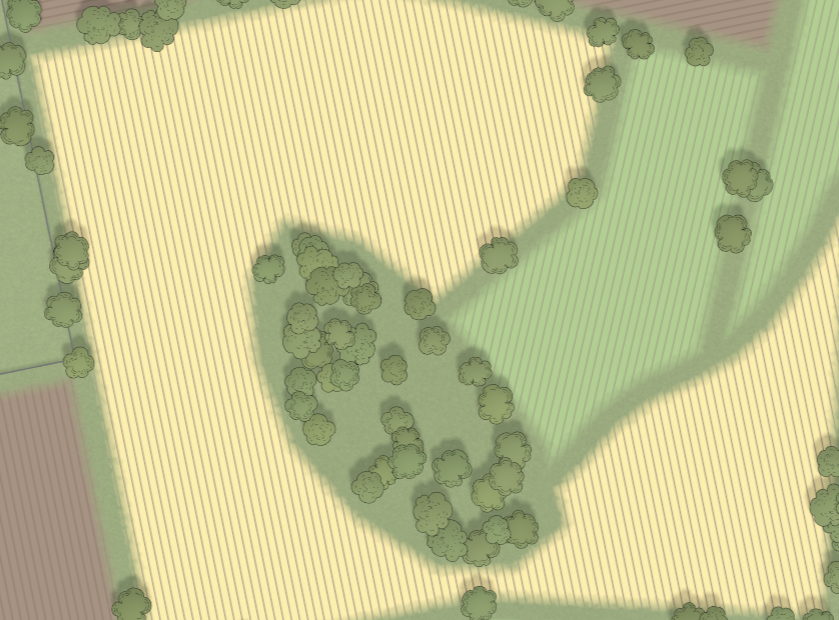
Autumn
In a 24-hour clock, the sun will rise at 7am and set at 5pm, and will reach a medium point in the sky at midday. Deciduous trees will have autumnal leaves (shades of green, yellow, and red).
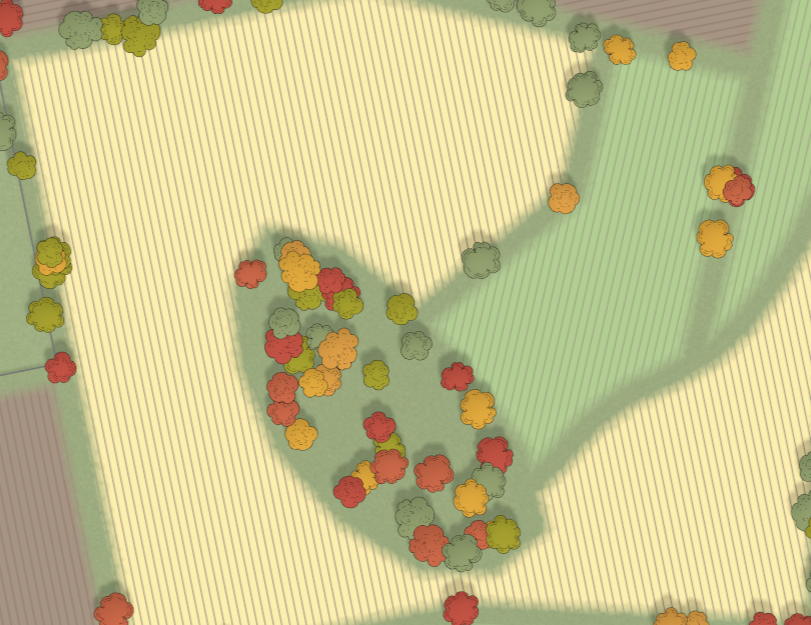
Winter
In a 24-hour clock, the sun will rise at 8am and set at 4pm, and will reach a low point in the sky at midday. Deciduous trees will not have leaves.
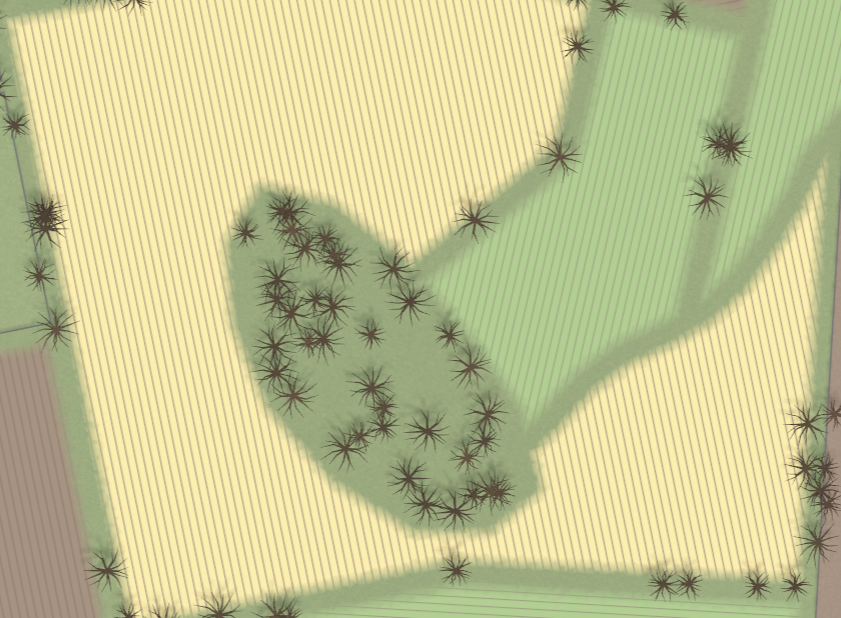
Spring
In a 24-hour clock, the sun will rise at 7am and set at 5pm, and will reach a medium point in the sky at midday. Deciduous trees will have green leaves.
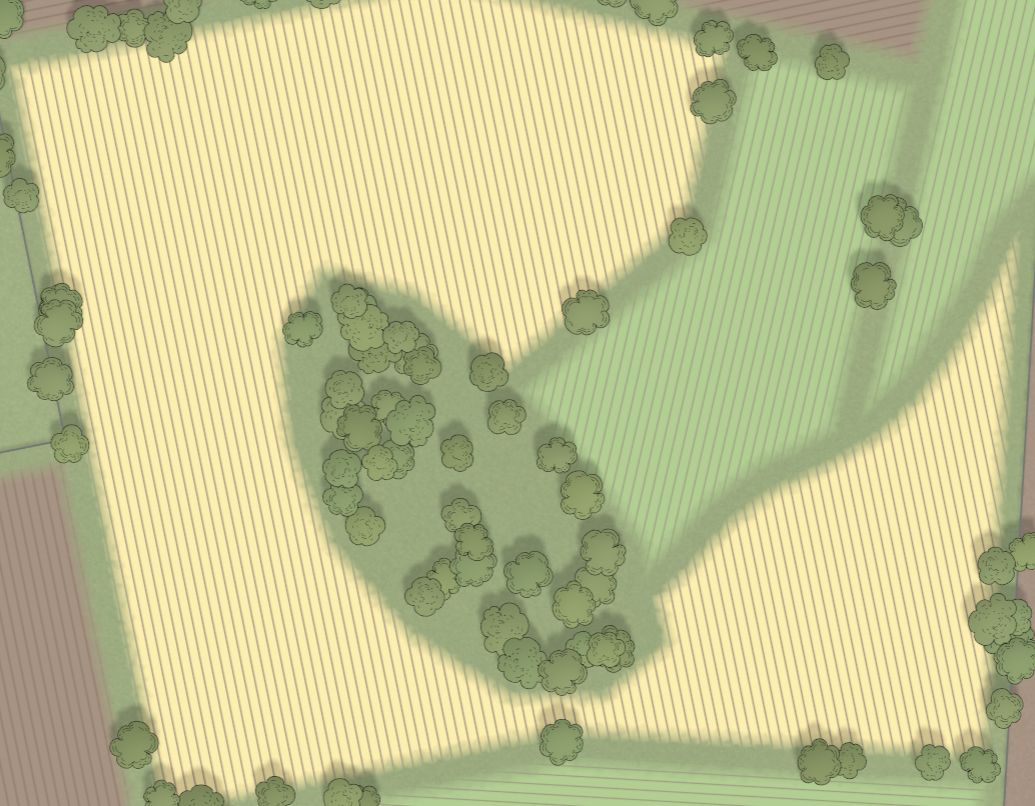
Day / night cycle
The day / night cycle moves the sun throughout the day and changes the lighting. This behaviour can be disabled in the render settings menu.
By default, the sun position is configured based on the hemisphere setting, and the current season, but this can be overridden. If the settlement is in the Northern Hemisphere, the sun will move below the settlement, and shadows will be cast to the north. If the settlement is in the Southern Hemisphere, the sun will move above the settlement, and shadows will be cast to the south.
The sunrise direction controls if the sun moves east to west or west to east throughout the day.
At sunrise / sunset, and at night, buildings that have an awake adult inside will turn on their lights. The position of this light can be configured in the edit building menu.